¶ Maps (Leads)
¶ Overview
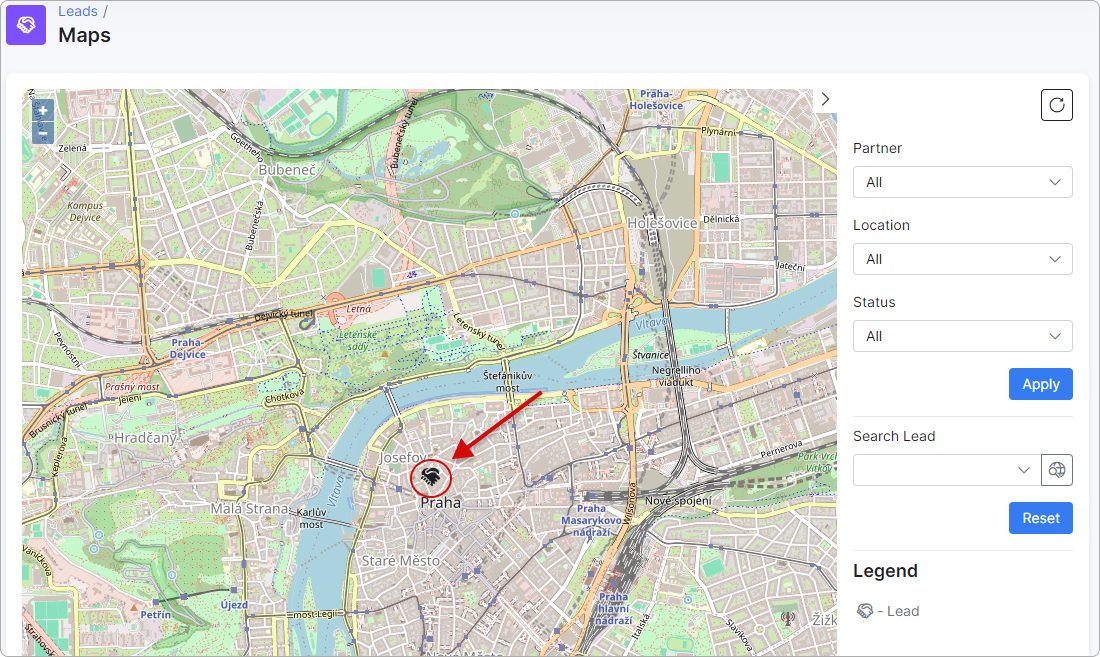
On Maps, you can view the geographical locations of your leads based on the coordinates provided in their profiles under the Information tab.
¶ Filter
There is a convenient panel on the right side that allows you to filter leads by specific criteria:
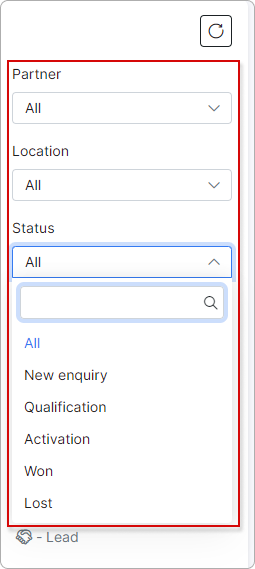
Partner — the data is displayed from leads belonging to a specific partner in your list of partners.
Location — the data is displayed from leads belonging to a specific location in your list of locations.
Status — the data is displayed from leads with the selected status.
Labels — the data is displayed from leads with the selected label(s).
Connection type — select one or more connection types to filter coverage maps. All connection types configured in Coverage maps are available. Selecting a connection type automatically pre-selects the KMZ/KML maps associated with it.
KMZ/KML — select one or more coverage maps by name to display their coverage areas on the map. The list of available maps updates dynamically based on the selected Connection type(s).
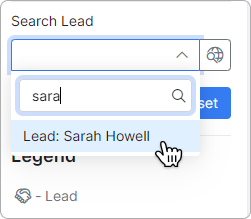
You can also search for a lead by their name:
For more information, please read
Labels
Coverage maps
