¶ AI logs
¶ Overview
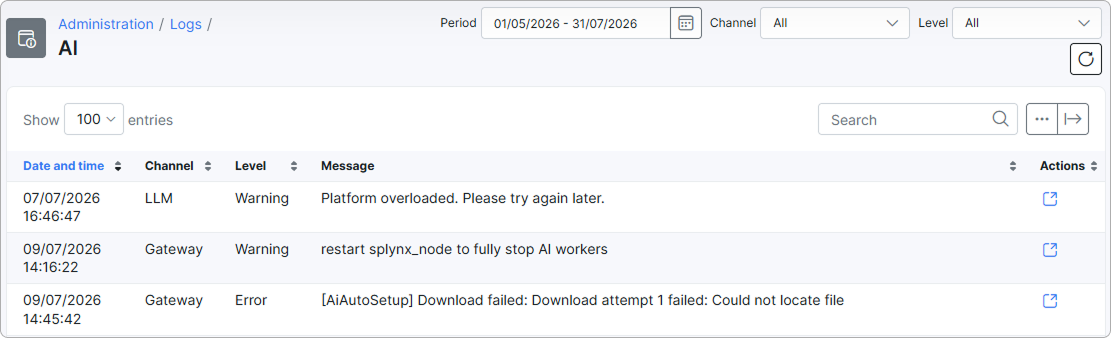
The AI logs table records warnings and errors reported by the AI features in Splynx. Use it to monitor the health of the AI subsystem and to troubleshoot problems such as failed provider requests, stuck workers, or setup errors.

The table contains the following columns:
- Date and time — when the event was recorded.
- Channel — the AI component that produced the entry. Splynx sets this automatically; the values are predefined and cannot be edited:
- Gateway
- LLM
- Queue
- Worker
- PII sanitizer
- Payload
- Level — the severity of the event: Warning or Error.
- Message — a short description of the event. Long messages are truncated in the table; open the entry to read the full text.
- Actions — opens the details of the selected entry.
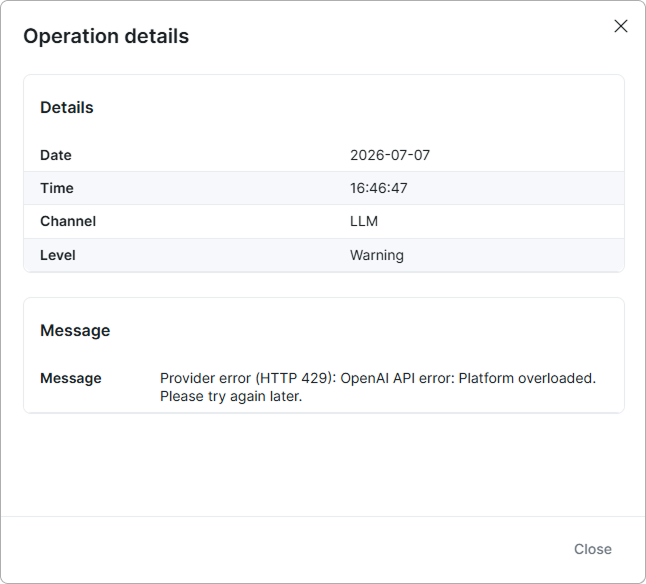
To view the full details of an entry, click the View icon  in the Actions column. The Operation details window shows the date, time, channel, and level in the Details section, and the complete, untruncated text in the Message section.
¶ Filter
At the top of the page you can narrow down the entries using the following filters:

- Period — select a date range to show events from a particular period of time.
- Channel — show only events from a specific AI component:
- All
- Gateway
- LLM
- Queue
- Worker
- PII sanitizer
- Payload
- Level — show only events of a specific severity:
- All
- Warning
- Error
¶ Export and table management
Use the Search field to find a specific entry.
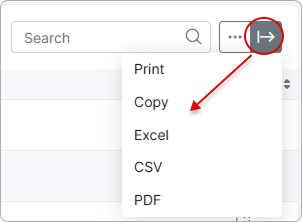
With the export  icon at the top-right corner of the page you can print or copy the list, or save it as a PDF or CSV file:
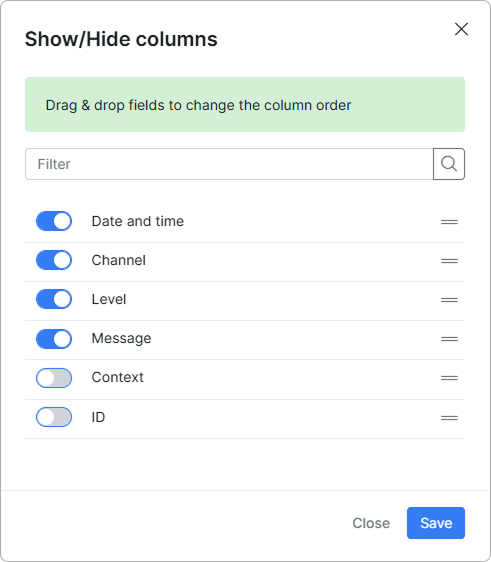
Click the breadcrumbs  icon to choose which columns are displayed by enabling or disabling each item, and drag and drop them to rearrange the order.