¶ Inventory tax
¶ Overview
The Inventory tax feature allows you to apply VAT to the price of an inventory item in two different ways: added on top of the price or included in the price.

¶ Configuration
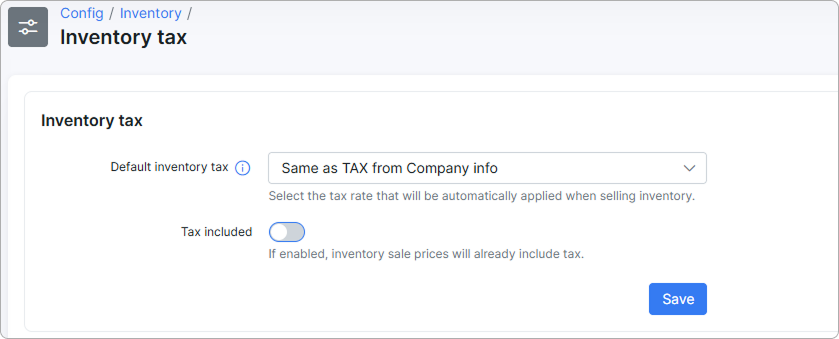
- Default inventory tax - select the tax rate that will be automatically applied when selling inventory items.
- Tax included - when enabled, the inventory sale price already includes tax.
¶ How it works
- Tax included is OFF
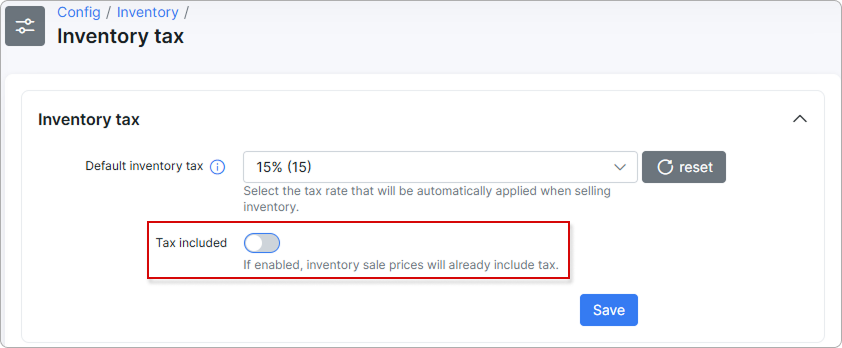
In this case, VAT is added on top.
For example, the configuration is as follows:
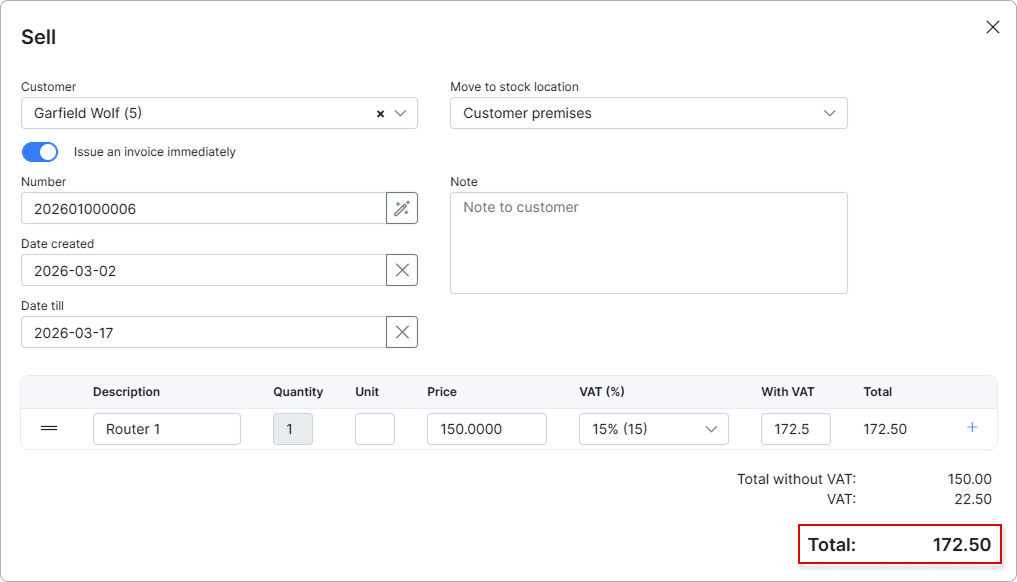
Price = 150.00
VAT = 15%
With VAT = 150 × 1.15 = 172.50
Total = 172.50
VAT amount = 172.50 - 150.00 = 22.50
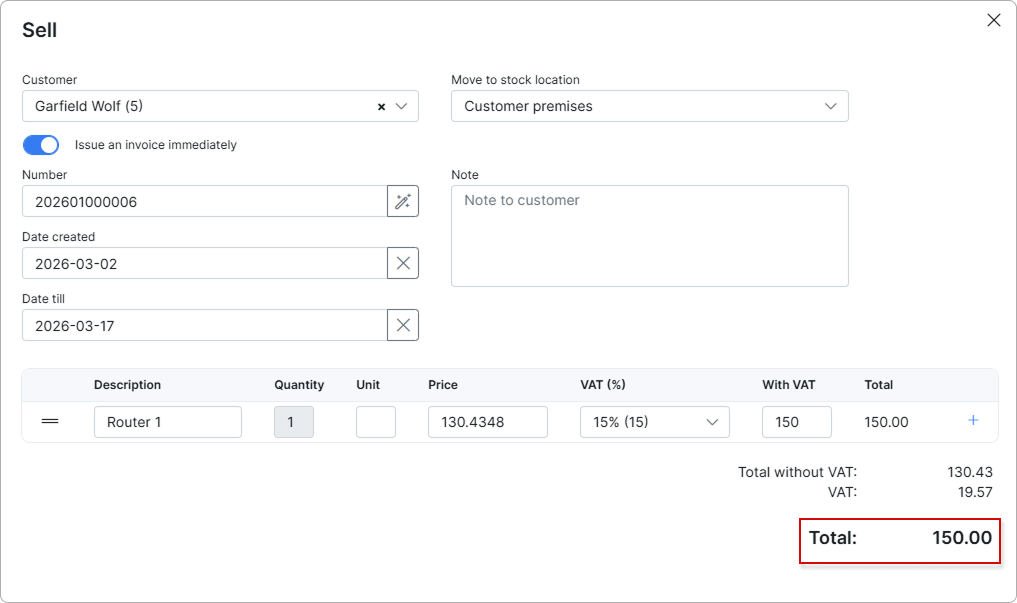
- Tax included is ON
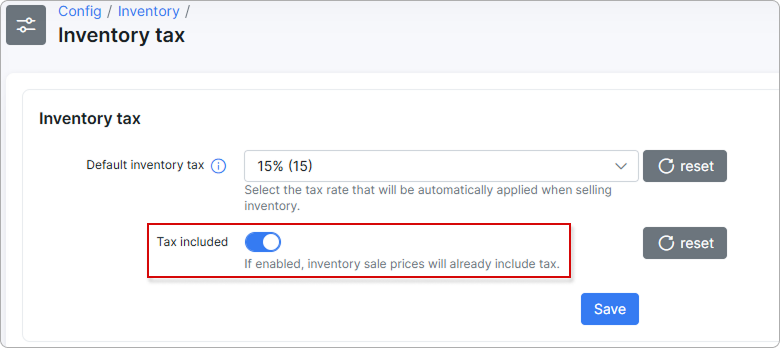
In this mode, Total stays equal to the “With VAT” amount.
VAT is computed inside that total:
To learn more about how taxes are created, calculated, and rounded within Splynx, please read Taxes.
